

Everything a secure organisation needs to communicate
Messaging, calls, push-to-talk, field operations and documents — one app on every device, one console for your administrators, one encryption standard throughout.
Conversations that stay inside your organisation
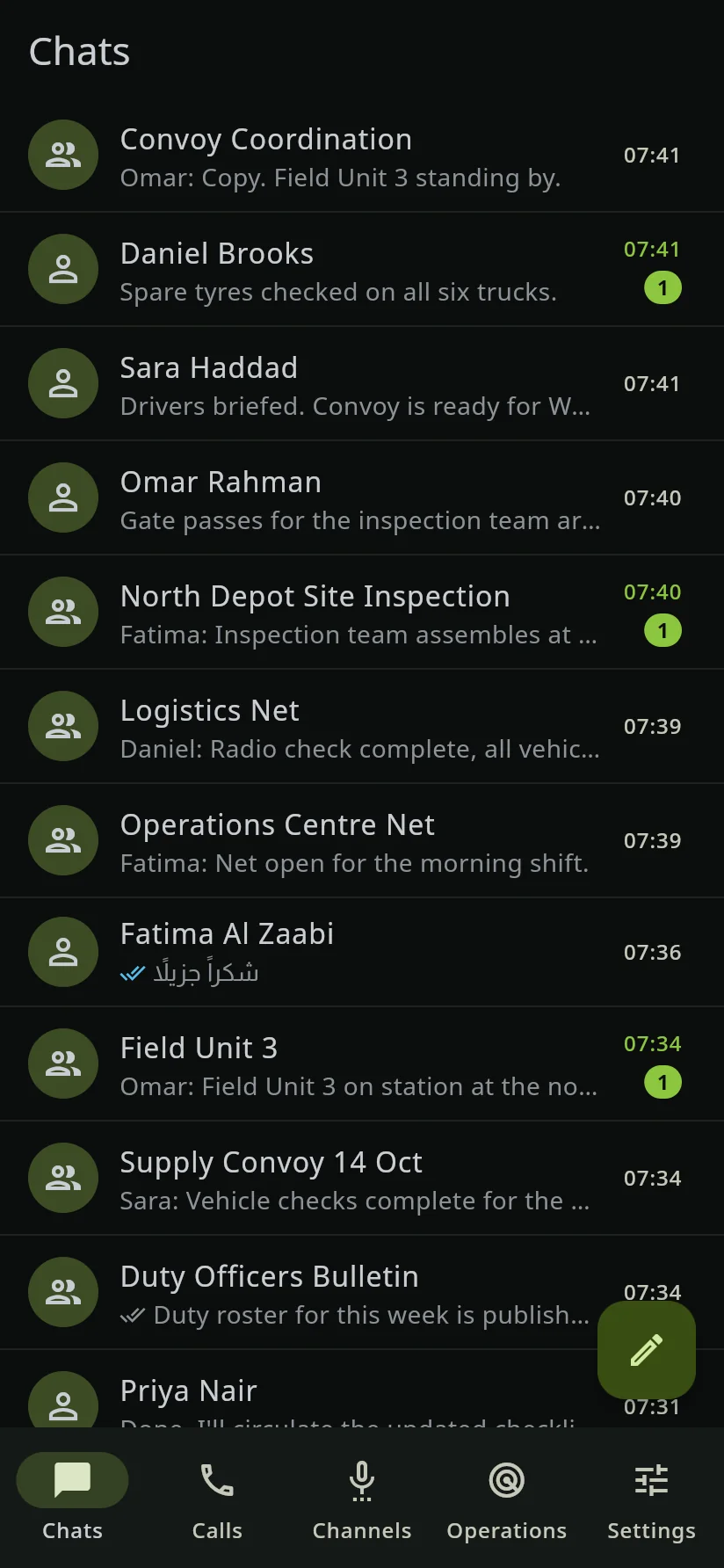
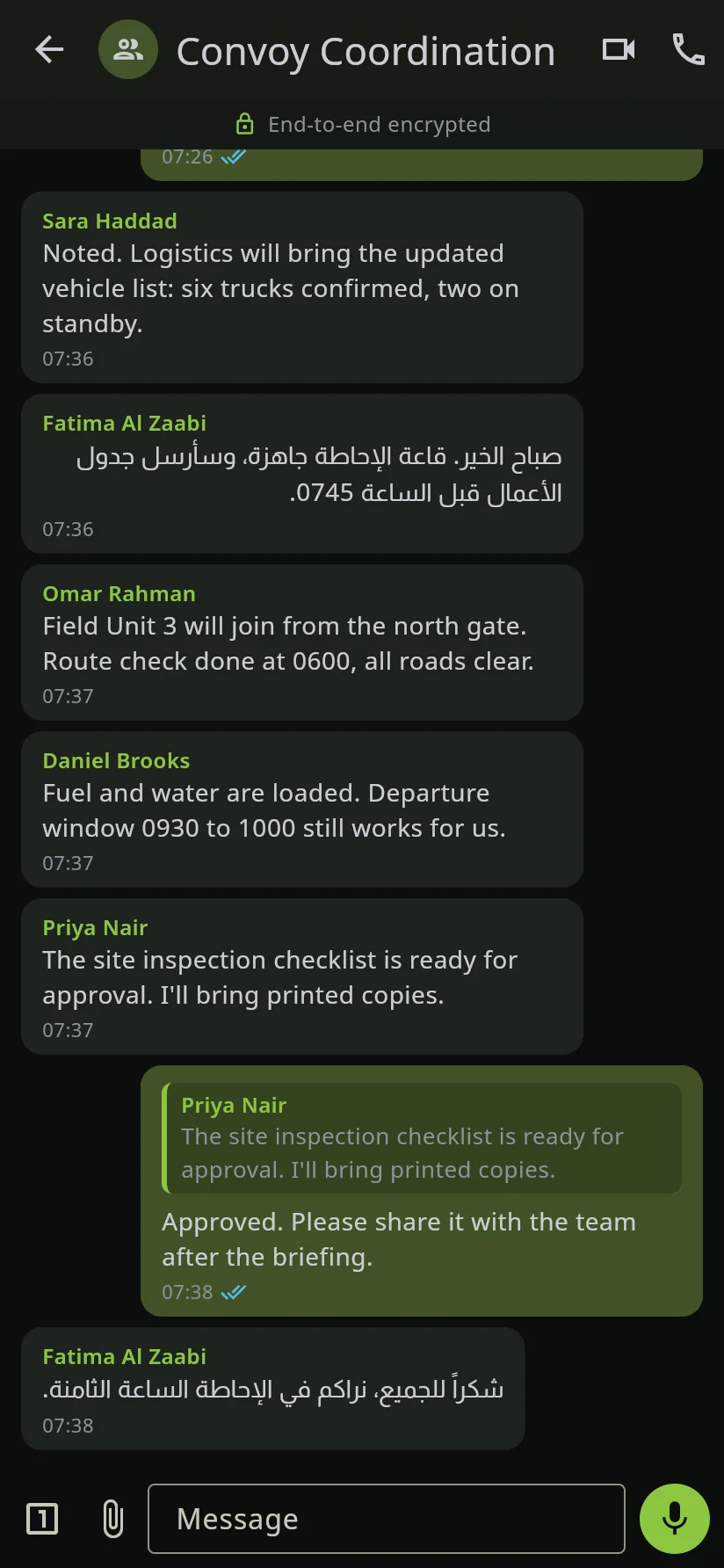
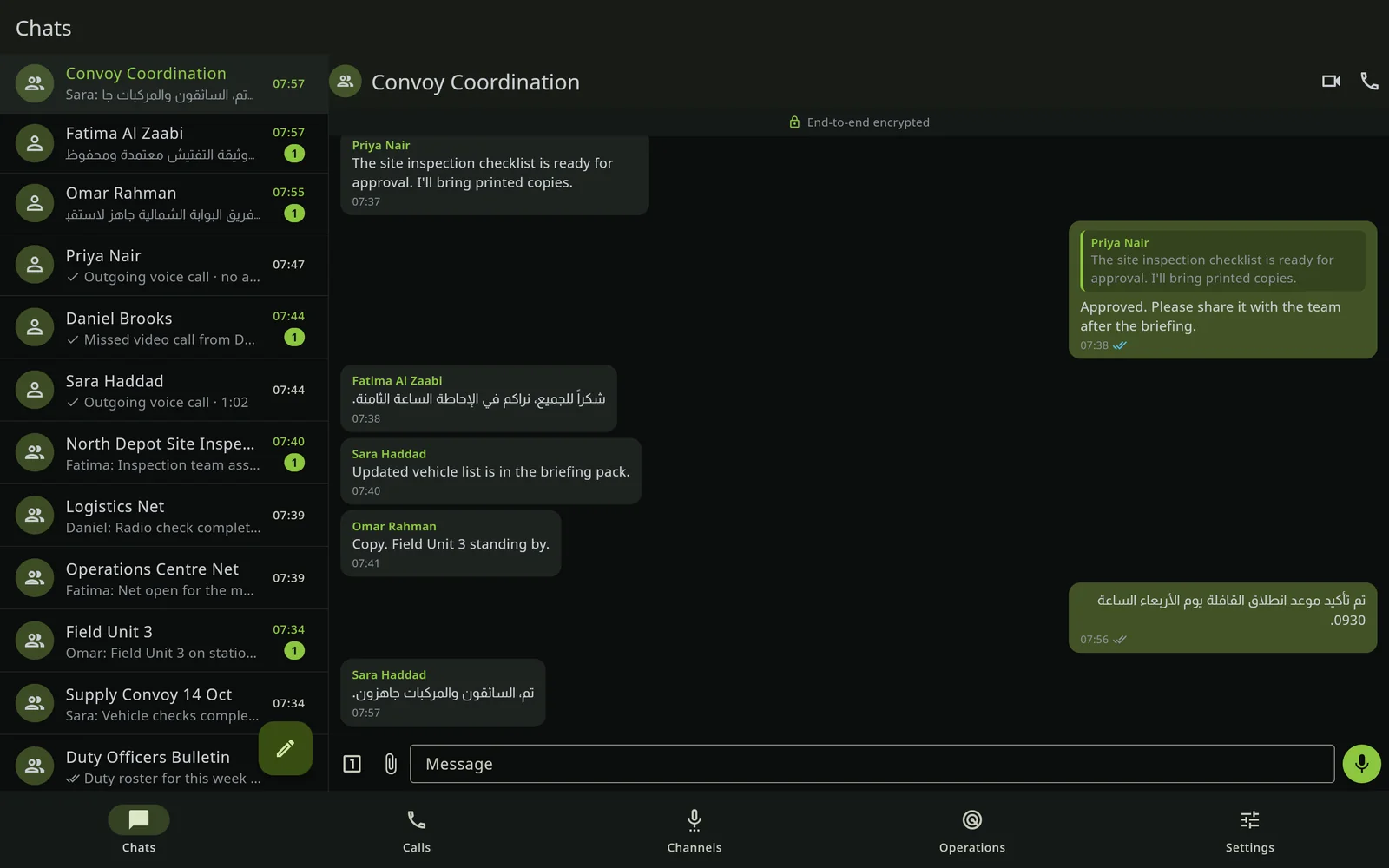
One-to-one and group chats with everything people expect — and nothing that leaks.
- Groups, replies, voice notes, photos, video and documents, with HD when it matters
- Delivery and read receipts per person, always on
- Media kept on your server only as long as you set — seven days by default
- Location, live location and contact cards, each switched on by your policy
Calls that scale without giving up encryption
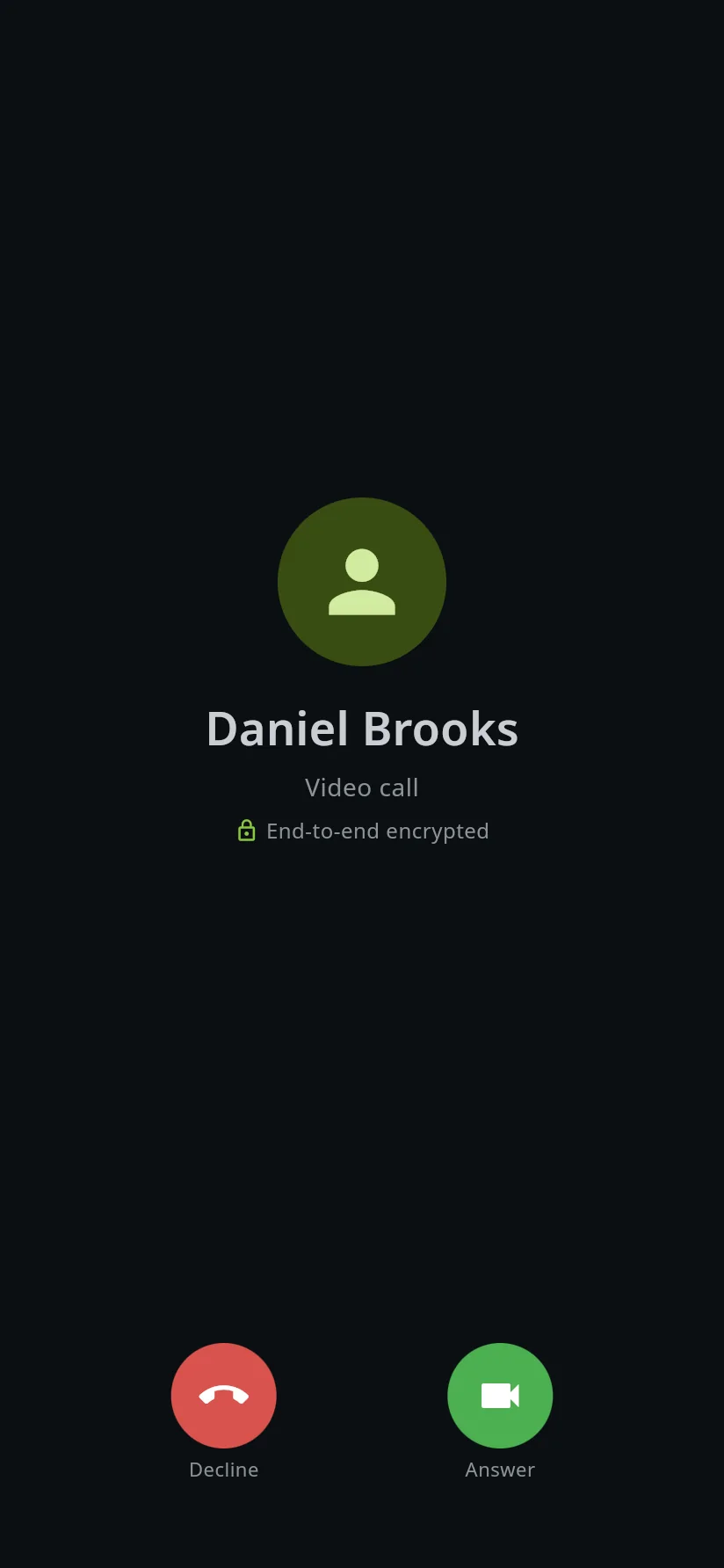
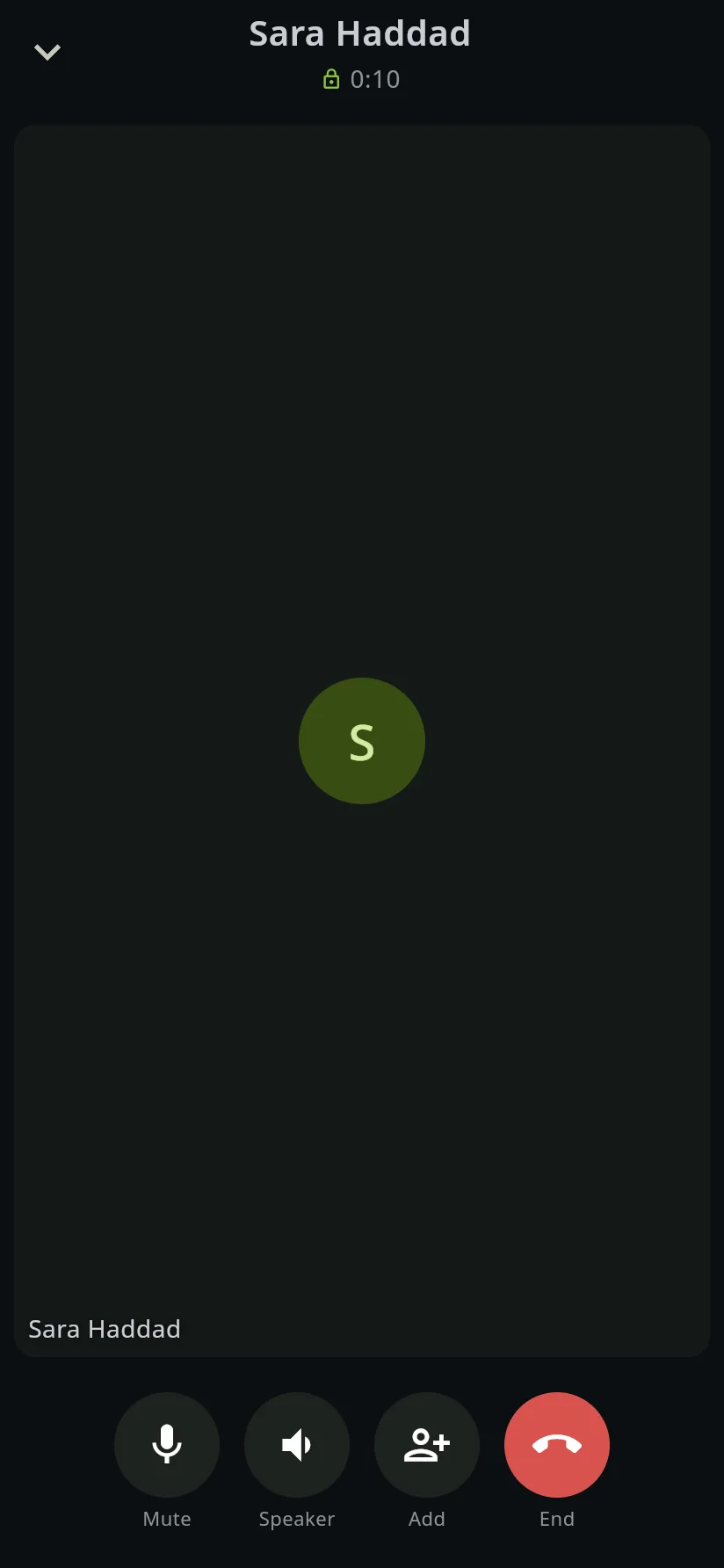
One-to-one calls go device to device. Group calls go through a media server on your own host, encrypted with keys it never has.
- Group calls of 50 people and more, hundreds of calls at once — limited only by your hardware
- Your own TURN relay for difficult networks, on your server
- Add people before or during a call; start one from any group
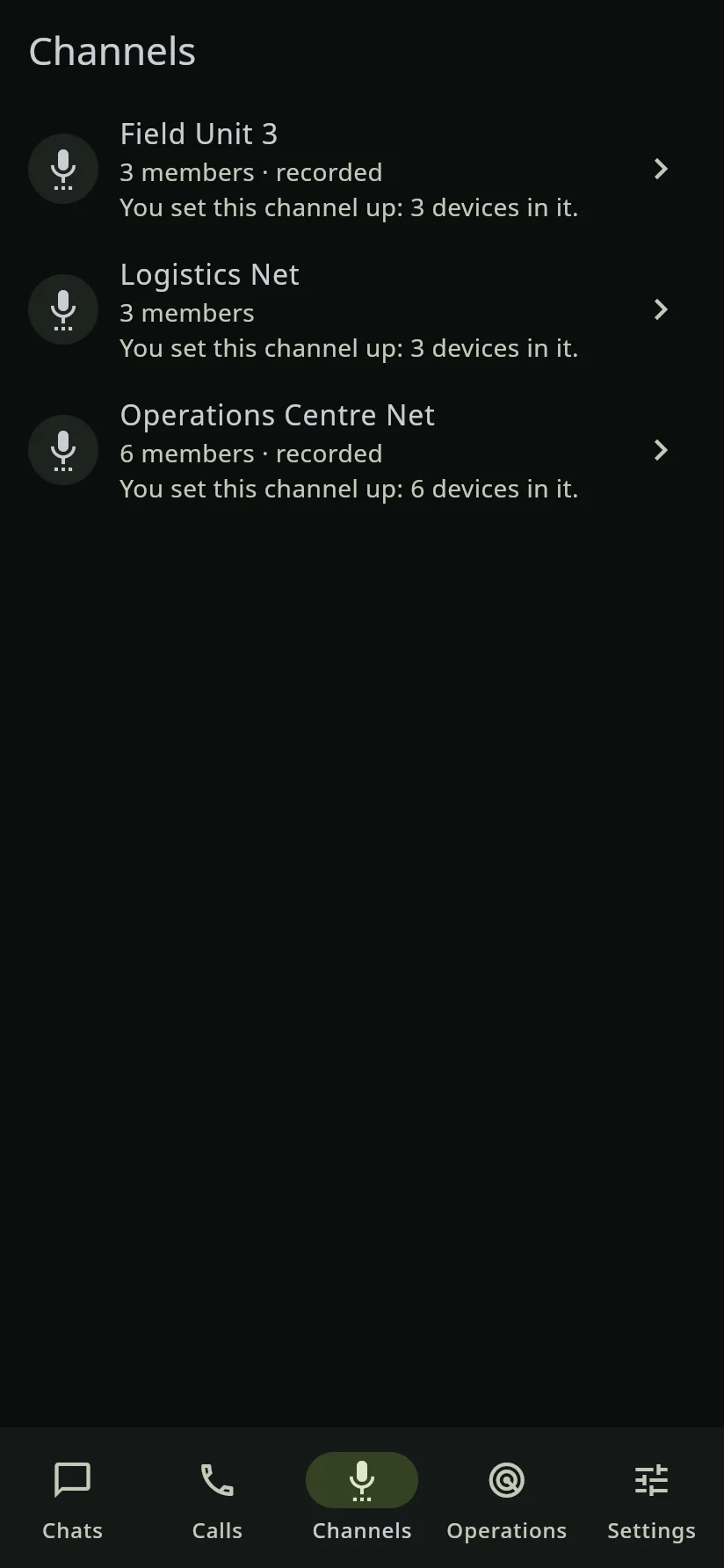
Push-to-talk, without a radio network
Channels your administrators create, for the teams that need instant voice.
- One talker at a time, decided by the server
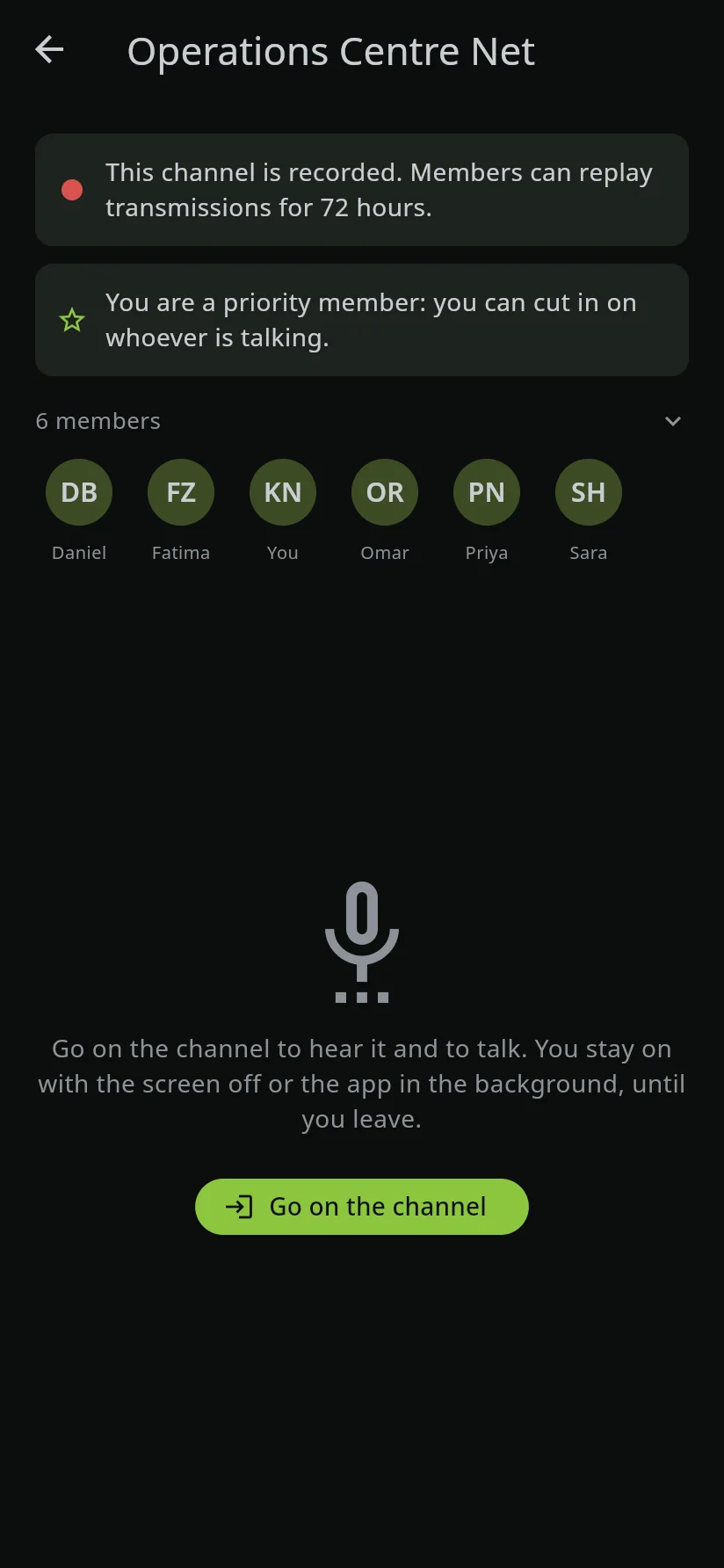
- Priority members can take the floor from anyone
- Recording per channel, off unless the administrator turns it on
- Hold to talk on screen, or with hardware keys on supported devices
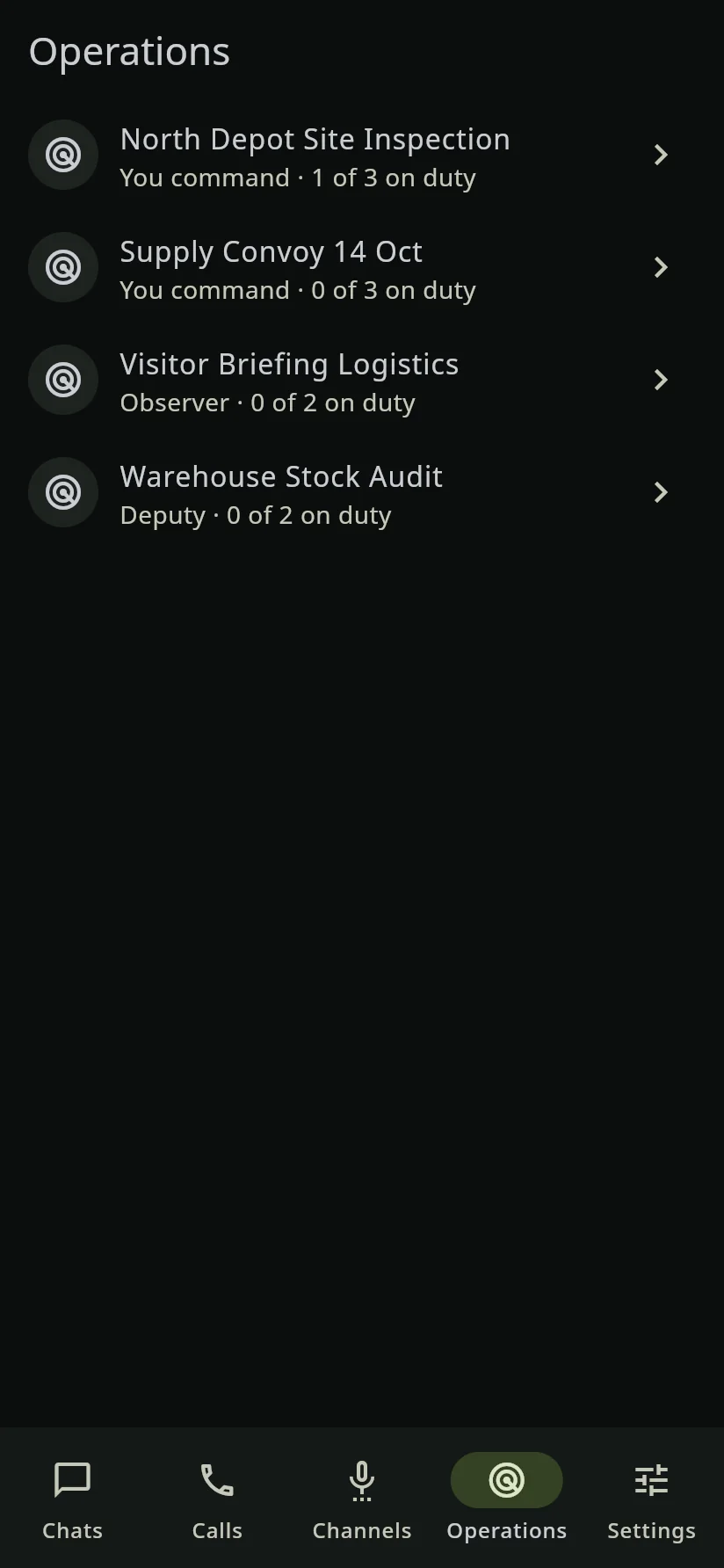
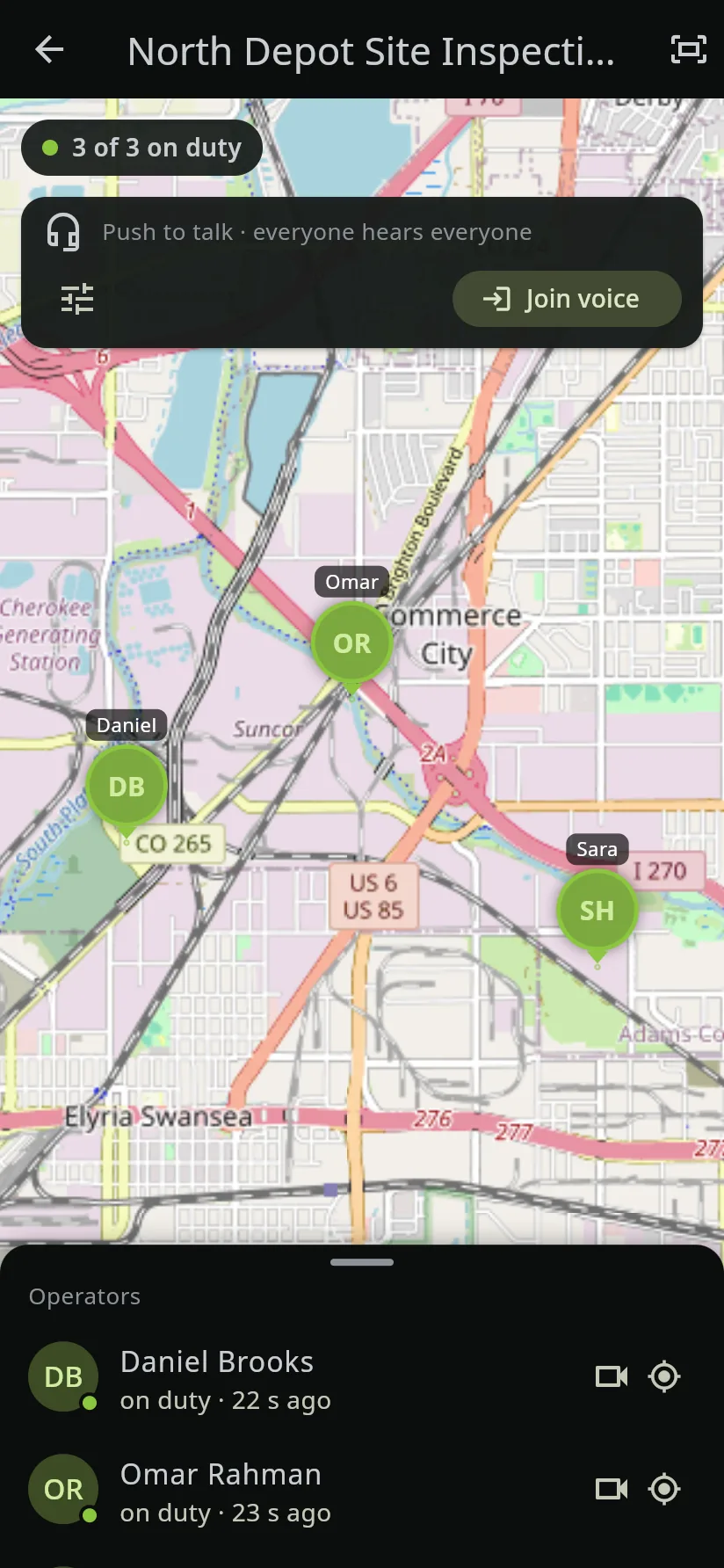
A live operations picture for command
Operations are created in the console with a commander, deputies and operators. The command sees the team on the map; the team hears the command.
- Live positions of on-duty operators, with their faces on the map
- Live video bubbles that follow an operator across the map
- Voice to everyone or to the command only, push-to-talk or open
- Map tiles from your server, or an offline map
Documents that leave only when you allow it
Word, Excel, PowerPoint and PDF are read inside the app on every device, and edited inside it on desktops and wide screens.
- Privileges per action: save a copy, copy text out, paste in
- A record of who opened, saved, copied or was refused
- A watermark with the reader's name and the time on every page
- A built-in editor — no office suite on the computer, no subscription
Protection when a phone is lost, taken or demanded
The app's own lock sits on top of the phone's, and the data stays sealed while it is locked.
- A 6-digit PIN on a keypad that reshuffles every time
- Face or fingerprint, strong biometrics only, if your policy allows
- A duress PIN that erases everything and shows a fresh app
- An intruder record of failed attempts, if your policy allows

Desktop sessions
Open a session on a Windows or macOS computer by scanning a code with your phone. It keeps nothing on the disk, ends when closed, and can be ended remotely.
Speech to text & translation
Voice messages transcribed in the language spoken, and messages translated on request — by a service on your own host, only if you choose to run it.
Location & places
Share where you are, keep sharing as you move, or pick a place on the map — each allowed by policy.
Directory
Find colleagues by name and unit, with profile photos — only within your organisation.
Administration console
People, devices, groups, channels, operations and policy, in a web console approved from the administrator's phone.
30 languages
The app, its notifications and the console, in 30 languages with full right-to-left support.
Open, or strictly need-to-know
Your administrators choose how people find each other. The choice is part of the signed policy, so no server can change it.
| Open | Administered | |
|---|---|---|
| Who people can find | Anyone in the organisation | Only the people the administrator has linked them to |
| Who creates groups | Any user | The administrator, and users only among people they can already reach |
| Typical use | A ministry's internal staff | Defence, intelligence and sensitive projects |

See AlfaOneX on your own phones
Book a private briefing, or start a pilot deployment for your team — no commitment, no shared data.